Hybrid working is now normal, but a lot of business phone systems still assume everyone sits at the same desk every day. If your team is split between the office, home and the road, the right phone system keeps you sounding like one joined-up business no matter where anyone is. This guide explains what to look for.
What are remote worker phone systems?
Remote worker phone systems let your team make and take business calls on one number from anywhere, whether that is at home, in the office or on the road. Government home working guidance covers the security side.
Why traditional phone systems struggle with hybrid work
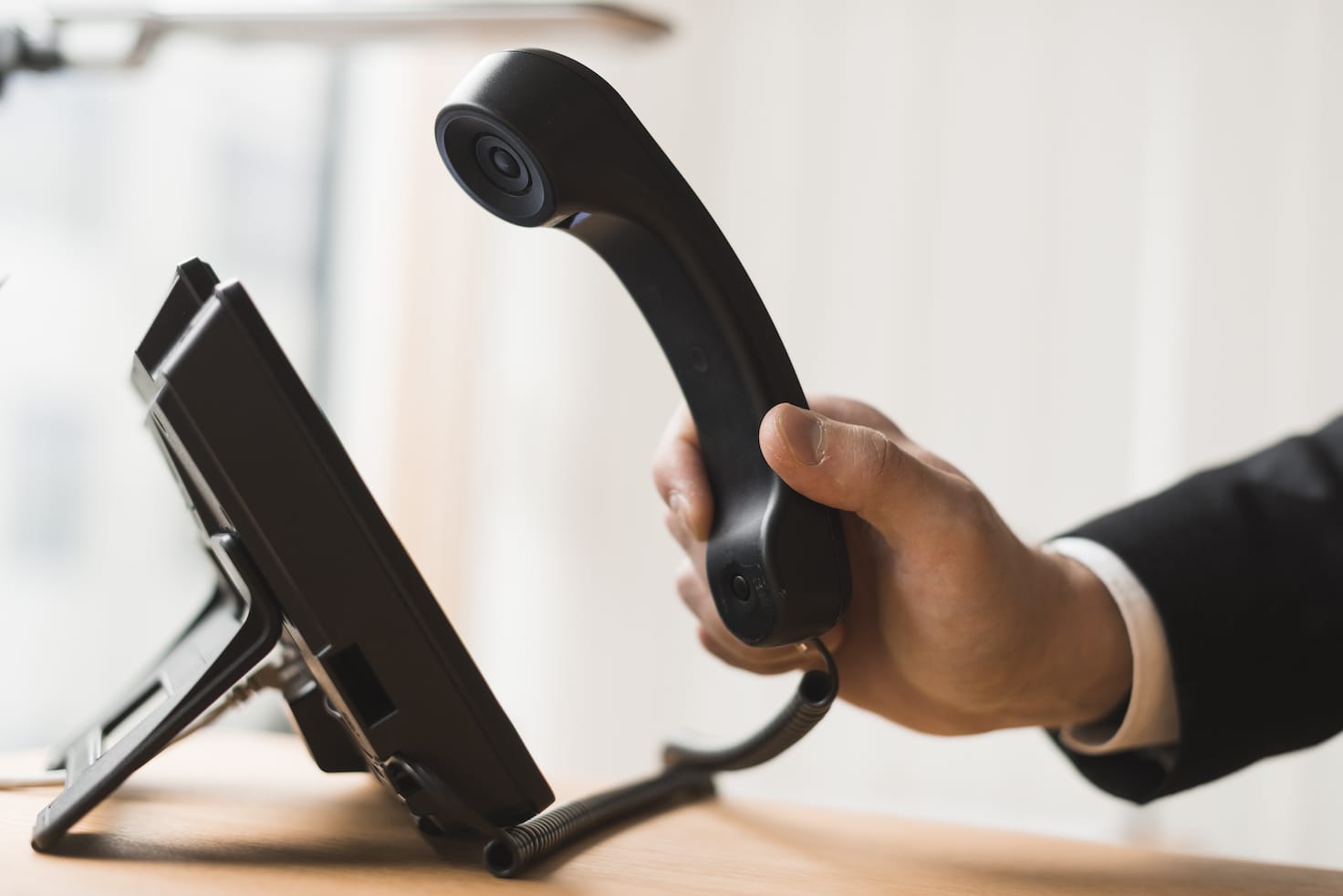
A traditional system ties each extension to a physical handset in the office. When staff work from home, calls get missed, people hand out personal mobile numbers, and you lose the professional front and the call records that matter. It also makes it hard to know who is available. Hybrid teams need a system built around people, not desks.
What a modern remote phone system does
Modern VoIP phone systems run in the cloud, so the same system reaches every person wherever they are working. The key features for hybrid teams are:
- One number, any device: your office number rings on a desk phone, laptop and mobile app at the same time.
- Presence and status: see who is available, on a call or away, across the whole team.
- Call routing: send calls to the right person or team automatically, wherever they are.
- Voicemail to email: messages land in the inbox so nothing is missed at home.
- Call recording and reporting: keep the same records and oversight you had in the office.
Keep work and personal separate
One of the biggest wins is that staff no longer use personal mobiles for work. They make and take business calls through the app, so your number is shown, calls are logged, and personal numbers stay private. When someone leaves, the number and history stay with the business.
What you need for reliable remote calling
Remote calling is only as good as the connection behind it. Each location needs decent broadband, and the office benefits from a business grade line such as SoGEA or full fibre. A good setup also includes failover, so if someone’s home internet drops, calls divert automatically to their mobile.
Getting the numbers right
Hybrid teams often want a professional national or local presence rather than a scatter of mobile numbers. We can help you choose and set up the right numbers on our business phone numbers page, and port any existing numbers across.
How ATS Connection can help
We set up cloud phone systems for hybrid and remote teams across West Sussex, so everyone works from one system whether they are in the office or at the kitchen table. We handle the connectivity, the apps, the numbers and the support, and our remote IT support can look after the laptops and accounts your team use at home. Get a quote or call 01903 255 159.
Frequently asked questions
What is the best phone system for remote workers?
A cloud based VoIP system is best, because it reaches staff on a desk phone, laptop or mobile app using the same business number, wherever they are working.
Can staff use their office number from home?
Yes. With a hosted phone system the office number rings on their home device or mobile app, and outbound calls show the business number too.
Do remote workers need to use their personal mobiles?
No. They make and receive business calls through the app, so personal numbers stay private and every call is still logged by the business.
What internet do I need for a remote phone system?
A reliable broadband connection at each location. Business grade broadband in the office and failover to mobile give the most dependable setup.
Is a cloud phone system secure?
Yes. Reputable hosted systems use encryption and secure data centres, and calls and records stay within the business rather than on personal devices.
Free • 12 minutes • Written PDF report
Who actually holds the keys to your systems?
List the systems your business runs, answer plain-English questions about how they are controlled, and get a report with a red, amber and green rating for every area and what to fix first. Nothing on your systems is touched.
Cyber Essentials certified · Microsoft Partner · rated 5.0 on Google