
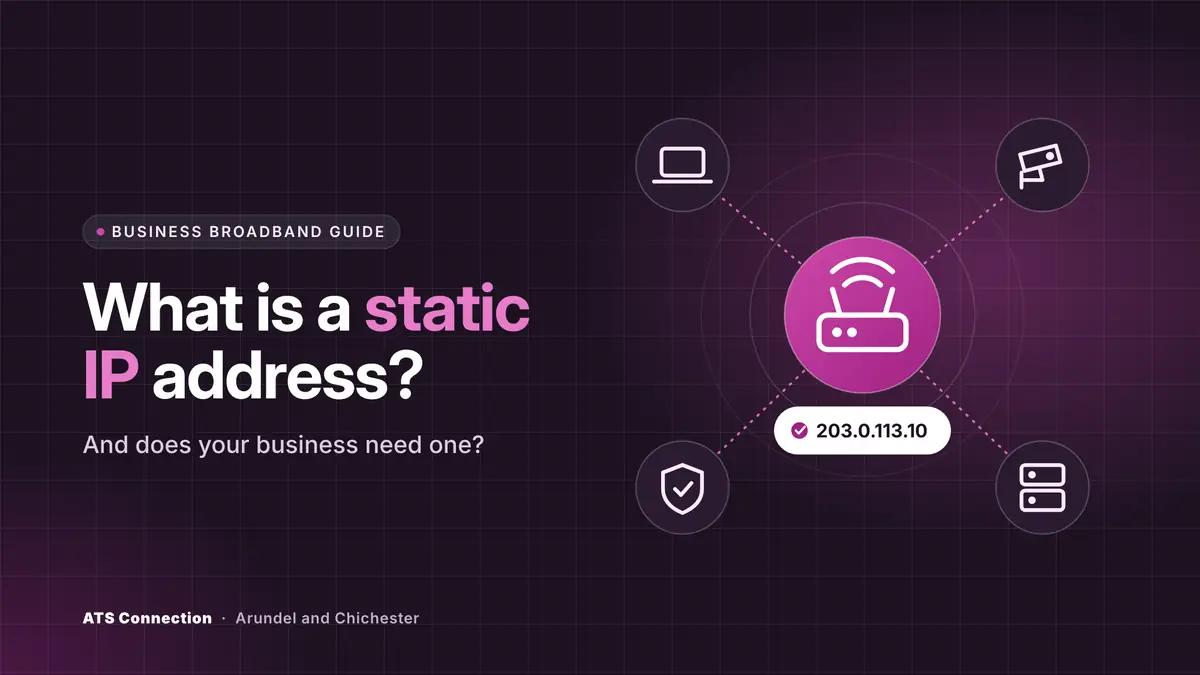
The short answer: a static IP address is a public internet address that stays the same, rather than changing from time to time as a dynamic address can. Your business needs one if something outside the office has to find your connection or recognise it: remote access to an office server, CCTV you view from your phone, a supplier or bank portal that only accepts logins from approved addresses, or equipment you host yourself. If everything you use lives in the cloud, such as Microsoft 365 and a cloud phone system, you usually do not need one. Where providers charge for a static IP it is typically a few pounds a month, and many business broadband and leased line packages include one.
Last updated: 19 November 2026.
In this guide:
- What is an IP address?
- Static vs dynamic IP addresses
- When does a business need a static IP?
- When you probably do not need one
- How much does a static IP cost?
- Is a static IP a security risk?
- CGNAT and mobile backup lines
- How to get a static IP address
- Frequently asked questions
What is an IP address?
Every device on the internet needs an address so that information reaches the right place, in the same way a letter needs a postcode. That address is an IP (internet protocol) address. Your office actually has two kinds:
- Private IP addresses are used inside your network. Your router gives one to each laptop, printer and phone, usually starting 192.168 or 10. They only mean something inside the building.
- A public IP address is the single address the rest of the internet sees for your whole connection. It is given to your router by your broadband or leased line provider.
When people talk about a static IP, they mean a static public IP address: the outside address of your connection, fixed so that it does not change.
Static vs dynamic IP addresses
Most home broadband uses a dynamic public IP address. The provider hands one out from a pool, and it can change when the router restarts, after a fault or simply over time. For browsing, email and streaming that makes no difference, because your connection starts every conversation.
A static IP address is reserved for your connection and stays the same. That matters when the conversation starts from the outside: a member of staff connecting into the office, a camera app on your phone looking for the recorder, or a supplier’s system checking that a login came from your office.
| Dynamic IP | Static IP | |
|---|---|---|
| Does it change? | It can, without warning | No, it stays the same |
| Typical on | Home broadband and most mobile connections | Business broadband and leased lines |
| Remote access, CCTV, hosting | Unreliable without workarounds | Works dependably |
| IP allow-listing on other systems | Breaks whenever the address changes | Set once |
| Cost | Included | Often included on business packages, otherwise a few pounds a month |
When does a business need a static IP?
You need a static IP when something outside your office has to find your connection, or has to trust it. The common cases are:
- Remote access to the office. If staff connect into an office server, file share or desktop through a VPN, the VPN needs a fixed address to connect to.
- Linking sites together. A site-to-site VPN between two offices, or between an office and a data centre, is set up between fixed addresses.
- CCTV and door entry. Viewing a recorder or managing an access control system from outside the building is far more dependable with a fixed address.
- IP allow-listing. Some line-of-business systems, supplier portals and cloud apps only accept logins from approved addresses. With a static IP you add your office once; with a dynamic one, people get locked out whenever it changes.
- Hosting your own services. An on-site server, a mail server or a phone system hosted in the building needs an address the outside world can rely on.
- Locking down your cloud accounts. In Microsoft 365 you can mark your office’s static IP as a trusted location and use it in Conditional Access rules, for example to treat sign-ins from the office differently from sign-ins elsewhere.
When you probably do not need one
Many small businesses now run almost everything in the cloud: Microsoft 365 for email and files, a cloud phone system, cloud accounting and cloud CCTV. In that setup every connection starts from inside your office going out, so a dynamic address works fine. If none of the cases above applies to you, a static IP is a nice-to-have rather than a must, although it costs little and can save a change later.
How much does a static IP address cost?
For a business, usually very little. Many business broadband packages include a single static IP, and leased lines normally come with one or a small block. Where providers do charge, published UK price guides put extra static addresses at about £3 to £5 per address a month. Our leased line cost guide lists that alongside the other add-on costs.
If you need several addresses, for example to run more than one service, providers usually allocate a small block. A block of eight addresses, often written as a /29, gives you five you can actually use, because some addresses in every block are reserved for the network itself and your router.
Static addresses are not free to providers. The old IPv4 address system has run out of spare addresses: Europe’s regional registry, the RIPE NCC, made its final IPv4 allocations in November 2019, so providers now buy or recycle them. The newer IPv6 system has addresses to spare, but most business systems still rely on IPv4 today.
Is a static IP a security risk?
The address itself is not the risk. Your connection already has a public address whether it is static or dynamic, and attackers scan the whole internet constantly regardless. The risk is what you open to the internet on that address. A forgotten port forward to an old remote desktop server, a camera with its default password or an exposed router admin page is dangerous on any connection, and a fixed address simply makes it easier to find again.
So if you get a static IP, keep the basics tight:
- Open only the services you need, and close anything left over from old systems.
- Put remote access behind a VPN with multi-factor authentication, rather than exposing remote desktop directly.
- Change default passwords on routers, cameras and recorders, and keep their firmware updated.
- Check your firewall rules regularly. Cyber Essentials requires a firewall on every internet connection and no unnecessary services left open, and the Cyber Essentials Plus audit scans your public addresses to check.
CGNAT and mobile backup lines
Some connections do not give you a public address of your own at all. To save IPv4 addresses, many mobile networks and some broadband providers use carrier-grade NAT (CGNAT), where lots of customers share one public address. Outgoing traffic works normally, but nothing from outside can reach you, so remote access, CCTV viewing and hosting will not work, and allow-listing is unreliable because the shared address belongs to other people too.
This catches businesses out with 4G and 5G backup connections. If your office relies on a static IP, check what happens when the router fails over to mobile: the backup will usually have a different, shared address. Our guide to business internet backup explains how to plan for that.
How to get a static IP address
- Check your current connection. Search “what is my IP” from the office and note the address, then check again after the router restarts. If it changes, it is dynamic.
- Ask your provider. Many business packages include a static IP or add one for a small monthly charge. Home broadband packages often do not offer one at all.
- Plan for changes of provider. A static IP belongs to the provider, not to you, so it changes if you switch. Keep a list of everywhere your address is allow-listed, so you can update them on the day.
- Set up your firewall and services properly. Once the address is fixed, configure remote access, CCTV and allow-lists, and close everything else.
If your provider cannot offer a static IP, a dynamic DNS service can point a name at your changing address. It works for simple cases such as viewing a camera, but it is a workaround: it will not satisfy allow-lists and it does not help behind CGNAT.
At ATS Connection we supply SoGEA business broadband with a static IP included, full fibre and leased lines, and because we are also an IT support company we set up the firewall, VPN and remote access that use it. From our offices in Arundel and Chichester we have supported businesses since 2015. Ask us for a quote and we will tell you whether you need a static IP and what your address can get.
Frequently asked questions
What is a static IP address?
A static IP address is a public internet address that is reserved for your connection and does not change. It lets other systems find your office or recognise it, which a dynamic address that changes from time to time cannot do reliably.
Does my business need a static IP?
You need one for remote access into the office, linking sites with a VPN, viewing CCTV from outside, hosting your own servers, or logging into systems that only accept approved IP addresses. If everything you use is in the cloud, you usually do not.
How much does a static IP cost in the UK?
Many business broadband packages and most leased lines include one. Where providers charge, published UK price guides put extra static addresses at about £3 to £5 per address a month.
Is a static IP less secure than a dynamic IP?
Not in itself. The risk comes from services you open to the internet on that address, such as remote desktop or a camera with a default password. Keep only what you need open, put remote access behind a VPN with multi-factor authentication and check your firewall regularly.
Will I keep my static IP if I change provider?
No. The address belongs to the provider, so a new provider gives you a new one. Keep a list of everywhere your address is allow-listed so you can update it when you switch.
Do 4G and 5G connections have a static IP?
Usually not. Many mobile networks share one public address between many customers using carrier-grade NAT, so remote access and allow-listing will not work over a standard mobile backup connection unless the provider offers a specific static IP option.
Sources
- RIPE NCC: The RIPE NCC has run out of IPv4 addresses (November 2019)
- ATS Connection: leased line cost guide, including static IP pricing from published UK guides
- Microsoft Learn: network locations in Conditional Access
Free • 12 minutes • Written PDF report
Who actually holds the keys to your systems?
List the systems your business runs, answer plain-English questions about how they are controlled, and get a report with a red, amber and green rating for every area and what to fix first. Nothing on your systems is touched.
Cyber Essentials certified · Microsoft Partner · rated 5.0 on Google