
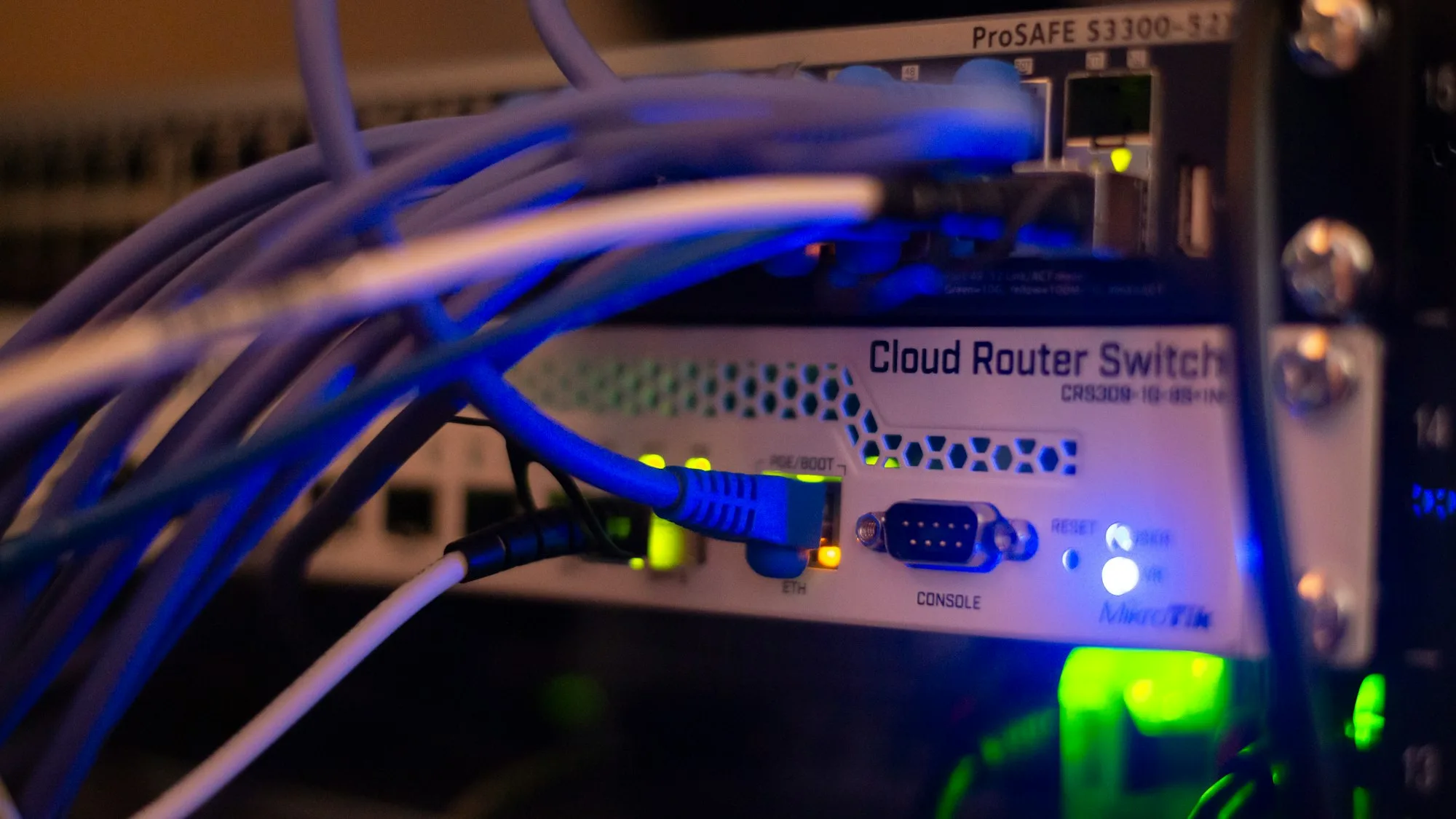
The short answer: business internet backup means having a second connection, such as 4G or 5G mobile broadband or a second fixed line on a different network, and a router that switches to it automatically when your main line fails. That automatic switch is called failover. For most small offices, a dual WAN router with a 4G or 5G backup is the simplest way to stay online through a line fault. Businesses that cannot afford any downtime add a second fixed line that takes a separate route into the building.
In this guide:
- Why a business needs a backup connection
- How internet failover works
- Your backup options compared
- 4G and 5G failover
- Dual WAN routers
- A second fixed line on a different network
- Where SD-WAN fits
- Do not forget power
- What to ask a provider
- Frequently asked questions
- Sources
Why a business needs a backup connection
Most offices now run almost everything over one internet connection: email, Microsoft 365, cloud accounting, card payments, the phone system and remote access. If that line fails, all of it stops at once. Roadworks, a damaged cable, a fault in the street cabinet or a failed router can each take a business offline for hours or days.
Repair times on business broadband depend on the care level your provider buys from Openreach. As reported by ISPreview, the basic level (Care Level 1) aims to clear a fault by 23:59 on the day after next, Monday to Friday, while the highest level (Care Level 4) aims to clear faults within 6 hours, any day of the year. Even the fastest repair target still leaves you offline for part of a working day.
Businesses also have less protection than households. Ofcom’s automatic compensation scheme pays residential customers when a broadband or landline fault is not fixed after two full working days, but it covers residential products only. A backup connection means you are not left waiting on a repair to keep working.
How internet failover works
Failover needs three things: a main connection, a backup connection and a router that can use both. The router watches the main connection. If it stops working, the router moves your traffic onto the backup without anyone needing to do anything. When the main line is restored, the router can move traffic back, which is known as failback.
There are two common ways to set this up. In failover mode, the backup sits idle until it is needed. DrayTek, a router maker, describes this as keeping a connection “in Failover mode (idle) until the main WAN link disconnects”. In load balancing, both connections carry traffic all the time, and if one fails the other carries everything. Load balancing makes use of bandwidth you are already paying for, but it only suits a backup without tight data limits.
A switch is rarely completely seamless. Your business will usually appear on the internet from a different address once it moves to the backup, so anything that was connected at the time, such as a call in progress, a VPN or a video meeting, may drop and reconnect. Switching back can do the same: DrayTek notes that when failback is enabled, all sessions going through the backup are dropped when the main line reconnects. The aim is a short interruption rather than a lost day.
Your backup options compared
| Backup option | What it protects against | What to watch | Best for |
|---|---|---|---|
| 4G or 5G mobile broadband | Cable, cabinet and exchange faults on your fixed line | Indoor signal, data allowance, private IP addresses on some mobile services | Most small and medium offices |
| Second line on the same network | Faults with one line or one provider account | Often shares the same cabinet, exchange and cable route as the first line | Limited protection only |
| Second line on a different network | Most faults on your main network | Availability at your address, installation time | Offices that cannot work offline |
| Leased line with broadband or 5G backup | Faults on the leased line while it is repaired | Cost of two services | Businesses that depend on guaranteed bandwidth |
4G and 5G failover
A 4G or 5G backup uses the mobile network instead of cables, so a dug up road or a fault in the street cabinet does not affect it. That independence is what makes it a good partner for a fixed line. There is no cable to install, so it can be in place quickly.
Mobile coverage is good across much of the UK. Ofcom’s spring 2026 Connected Nations update found 5G available outside 64% of premises from all mobile operators, and good 4G coverage from all operators across 84% of the UK landmass, using January 2026 data. Those are outdoor figures, though. Thick walls, basements and metal buildings weaken the signal, so check the signal where the router will sit before you commit.
Three practical points are worth checking:
- Data allowance. A backup that sits idle uses very little data, but if the main line is down for two days the whole office runs over it. Make sure the plan will not run out or slow down when you need it most.
- Public IP address. Many mobile services put customers behind carrier grade NAT, which means your router does not get its own public address. As Zyxel explains, that stops devices on the internet from connecting in, so remote access VPNs and port forwarding will not work. Ask for a static or public IP address on the backup if you need them.
- Router position. Moving the router nearer a window, or fitting an external aerial, can improve a weak indoor signal.
Our 5G business broadband can sit alongside your full fibre, SoGEA or leased line as a backup, with a router set up to switch over on its own.
Dual WAN routers
A dual WAN router has two internet connections, known as WAN ports, rather than the one on a standard broadband router. The main line plugs into one and the backup into the other. Some models have a 4G or 5G modem built in, or take a USB mobile modem, so the backup does not need a separate box. Larger multi WAN routers can handle three or more connections.
The router decides when a line has failed using its connection detection settings, then moves traffic across. According to DrayTek, a connection in failover mode stays inactive until a condition is met, such as the main line disconnecting or traffic passing a set threshold, and goes back to standby when the main line recovers. In load balancing, the router spreads traffic so that each line is used to a similar level.
When choosing a dual WAN router for a business, look for:
- Support for the type of backup you plan to use, whether that is a second fixed line, a built-in mobile modem or both.
- Failure detection that checks the internet is reachable, not just that the cable is plugged in. A line can stay connected while traffic stops flowing.
- Rules that let you choose which traffic uses which connection, for example keeping large backups off the mobile line.
- Alerts, so someone knows when the office has switched to the backup and the main line needs reporting.
- Business features such as a firewall, VPN support and security updates from the manufacturer.
The router is also a single point of failure. If it fails, both connections go down with it, so keep it on a supported model, apply firmware updates and know how quickly a replacement can be fitted.
A second fixed line on a different network
A second fixed line gives you more speed than most mobile backups, but where it comes from matters. Two broadband lines on the same network often share the same street cabinet, the same exchange and the same cable route into the building. If a digger cuts that route or the cabinet fails, both lines can go down together, and you have paid for two connections that fail as one.
For real resilience, the backup line should be on a different network and, ideally, enter the building by a different route. In practice that usually means pairing an Openreach based line with a line from another fibre network, or pairing a fixed line with 4G or 5G. Ask the provider to confirm how the two connections reach your building, not just which brand is on the bill.
If your business depends on guaranteed bandwidth, a leased line with a broadband or 5G backup is a common setup. The leased line carries day to day traffic with a business service level agreement, and the backup keeps you working if it develops a fault. Our leased line cost guide explains how pricing works, and our EFM guide covers bonded copper lines, which some businesses use as a second connection where fibre is limited.
Where SD-WAN fits
SD-WAN, short for software defined wide area network, is often mentioned alongside failover. Cloudflare describes it as a way of connecting networks across large distances using controlling software, able to use connection types such as broadband, MPLS and LTE (4G), and to route traffic dynamically based on network conditions.
SD-WAN earns its place when a business has several sites to connect and manage centrally. For a single office with one main line and one backup, a well configured dual WAN router does the job at a lower cost.
Do not forget power
A backup line will not help if the equipment has no power. Your router, any full fibre terminal box and your network switch all run on mains electricity, so a power cut takes the office offline even when the lines are fine. Phones are affected too: Ofcom explains that a digital phone only works in a power cut if it has battery backup.
Ofcom’s guidance on power cuts says providers of phone services should have at least one solution that lets customers reach the emergency services for a minimum of one hour during a power cut, and it applies to business customers as well as households. For the office network, a small uninterruptible power supply (UPS) on the router, fibre terminal and main switch keeps the connection up through short cuts. Our 2027 switch-off guide covers what else on your premises still relies on old phone lines.
What to ask a provider
Before you buy a backup, ask these questions:
- Does it switch over automatically? Failover should not depend on someone noticing the problem and moving a cable.
- Is the backup on a different network and route? Ask how both connections physically reach your building.
- What happens to phone calls and VPNs during the switch? Expect a short drop, and check that your phone system and remote access are set up to reconnect over the backup.
- Will I keep a static IP address on the backup? This matters if staff connect in remotely or a supplier allows access from your address only.
- How much data does the backup include? Check what happens if the main line is down for a few days.
- Who supplies and configures the router? A router set up and tested by the provider avoids finding a problem on the day you need it.
- Who monitors it? Someone needs to know the office is running on the backup, so the main fault gets reported and fixed.
- What care level is on the main line? The backup buys you time, but a faster repair target shortens how long you need it.
It is also worth adding your internet connection to your business continuity plan, alongside data backup and disaster recovery, so everyone knows what happens if the line goes down.
Our team in Arundel and Chichester can check what is available at your address, including 5G signal and whether a second network reaches your building, and recommend the right backup for how your business works. We have supported businesses since 2015, we can supply and set up the router, and your calls are answered by our own engineers. Ask us for a quote for your address and we will tell you what you can get and what it costs, alongside our business broadband options.
Frequently asked questions
What is internet failover?
Internet failover is when your router automatically moves your traffic from your main internet connection to a backup connection if the main one stops working. When the main line comes back, the router can switch back again, which is called failback. It needs two connections and a router that supports failover.
What is a dual WAN router?
A dual WAN router is a business router with two connections to the internet, called WAN ports. It can keep the second connection on standby and switch to it when the first fails, or share traffic across both at once, which is called load balancing. Some models have a built-in 4G or 5G modem, so the mobile backup sits inside the router.
Is 4G good enough as a business broadband backup?
For most small offices, yes. A 4G or 5G backup keeps email, cloud apps, card payments and internet phone calls running while the main line is repaired. It does not use the same cables as your fixed line, so a cable fault will not affect it. Check the signal inside your building and the data allowance before you rely on it.
Can I use two broadband lines from the same network as backup?
You can, but it gives less protection than you might expect. Two lines on the same network often share the same street cabinet, exchange and cable route, so a cut cable or exchange fault can take out both at once. A backup on a different network, or on 4G or 5G, removes that shared weak point.
Do I need SD-WAN for internet backup?
Usually not for a single office. A dual WAN router handles failover between two connections. SD-WAN is software that manages several connections across many sites and routes traffic over the best available path, which suits businesses with a number of offices to connect.
Will my phones keep working if the internet goes down?
Internet phone systems need a working connection. With failover in place, calls move to the backup connection along with everything else. Many hosted phone systems can also divert calls to mobiles if the office goes offline. Digital phones also need power, so in a power cut they only work if the equipment has battery backup.
Sources
- Ofcom: Connected Nations update, spring 2026, 4G and 5G coverage, January 2026 data
- Ofcom: automatic compensation, what you need to know
- ISPreview: Openreach bring enhanced care levels to Gfast and SOGEA lines, September 2020, Openreach repair targets
- DrayTek UK: WAN backup guide, failover and failback
- DrayTek: load balancing and failover for multi WAN Vigor routers
- Zyxel: LTE and 5G routers, explaining carrier grade NAT
- Cloudflare: what is SD-WAN?
- Ofcom: your landline is going digital, power cuts and battery backup
- Ofcom: protecting access to emergency organisations when there is a power cut at the customer’s premises, October 2018
Coverage, repair targets and router features vary by provider, model and address. This guide reflects what we found in November 2026.
Free • 12 minutes • Written PDF report
Who actually holds the keys to your systems?
List the systems your business runs, answer plain-English questions about how they are controlled, and get a report with a red, amber and green rating for every area and what to fix first. Nothing on your systems is touched.
Cyber Essentials certified · Microsoft Partner · rated 5.0 on Google